 by Fidus
Send Every Website Form Enquiry by Webhook, Not by Forwarded Email
A forwarded form email is a weak hand-over. Send each enquiry's fields straight to your intake system as a web request, then test after every site change.
Today is 19 October 2026. Dussehra falls on 20 October and Diwali on 8 November (Government of India holiday list for 2026). Between now and then, website forms will keep collecting name, phone, email and a short message — and many teams still pass those enquiries on by forwarding the form's email. That habit looks simple. It is also a weak hand-over.
This piece is about sending each new form enquiry straight into the system your team works from, as a web request, rather than relying on an email that someone has to open, copy and paste. If your form enquiries are still scattered across inboxes, start with our guide on where each website form lead should land; this piece picks up from there and focuses on the hand-over itself.
Why a forwarded email is a weak hand-over
Forwarding the form email keeps the enquiry in a mailbox thread. That creates familiar problems:
- Ownership is unclear: the message sits in one inbox, a shared folder or a chain of forwards, and nobody is named as the owner of the lead.
- Fields get retyped: phone numbers, emails and product names are copied by hand into another tool, and small errors creep in.
- Context stays behind: the page or campaign that brought the customer, and any note written at intake, often never travel with the lead. Our piece on capturing enquiry context at intake covers that habit.
- Cover is fragile: when someone is on leave in the festive weeks, the forward chain breaks or lands with the wrong person.
Email remains useful for people talking to people. It is a poor pipe for structured form fields that another system needs to record.
What a webhook is, in plain terms
MDN Web Docs puts the idea plainly: "An HTML form on a web page is nothing more than a convenient user-friendly way to configure an HTTP request to send data to a server." (MDN, Sending form data). In everyday language, the form is not "emailing the office". It is preparing a web request that carries the customer's answers to a URL you choose.
MDN's POST method page states: "The POST HTTP method sends data to the server." One of the jobs HTTP designed POST for is "Providing a block of data, such as the result of submitting a form, to a data-handling process". When a form uses POST, "If a form is sent using this method, the data is appended to the body of the HTTP request." (MDN, Sending form data).
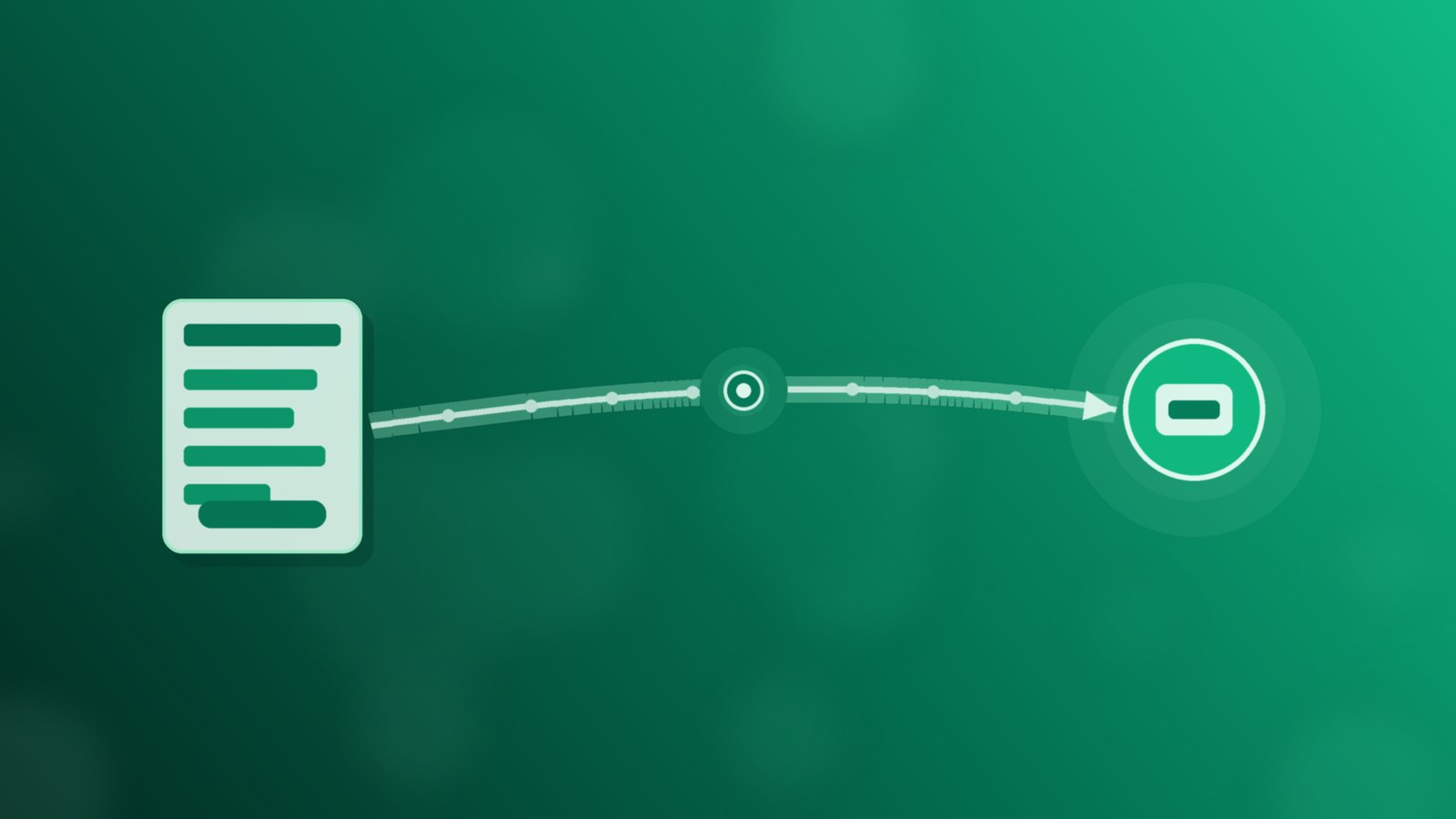
A webhook, in the sense this article uses, is that idea aimed at another system: when someone submits your contact or quote form, your site (or your form tool) sends the enquiry's fields as a web request to an intake URL. The fields travel as data in the request, not as a forwarded message someone has to open later. You still have to set the destination URL and agree which fields go across; nothing about a form "just connecting" on its own is assumed here.
Map the fields before you connect
Before you point a form at an intake URL, write down the field names both sides will use. Keep the list short and stable:
- Name: one field, or first and last if your site already splits them — but pick one pattern and stick to it on every form.
- Phone: the number the customer expects you to call.
- Email: the address they are happy for you to write to.
- Message: what they asked about, in their own words.
- A hidden field for the form or page: so the team can see whether the enquiry came from the contact page, a project page or a campaign landing page. If you already keep a short list of source names, reuse those names; we set one out in Which Ad or Form Brought This Enquiry?.
- A consent line: a clear tick or statement that explains why you are collecting the data.
India's Digital Personal Data Protection Rules require "standalone, clear and simple consent notices that transparently explain the specific purpose for which personal data is being collected and used" (PIB, 14 November 2025). Put that purpose on the form in plain language, and only send the fields you need to help the customer. Agreeing the names up front is a team and developer job; it is not something to leave vague and hope the far end will guess.
Test with a recognisable enquiry, then retest after changes
Once the form is pointed at the intake URL, do not trust a single successful click. Send a test enquiry you can spot at once — for example your own name plus a phone number ending in a known pattern — and check that every field you mapped arrives where the team works from. If a field is blank, renamed or truncated, fix the form side before real customers use it.
Then treat the connection as something that can break. After any change to the site, the theme, a form plugin or the page that hosts the form, send the same recognisable test again. Sites drift: a developer renames a field, a plugin update alters how the form posts, or a new landing page copies an old form without the hidden source field. Retesting is ordinary care, not a promise that the link will keep working without attention.
Where Flo fits
In Flo, a website form can send each new enquiry straight into an intake workflow by webhook, with no email forwarding in between.
Which forms post that way, which field names you use, who owns each new enquiry and how follow-up is planned remain decisions your team makes and writes down. Our piece on pipeline stages and follow-up during the festive rush sets out one way to plan the work after intake.
Start this week before the festive peak
Before Dussehra, pick one live contact or quote form. Write down the field names, add a hidden form-or-page field and a clear consent line, point the form at your intake URL, and send a recognisable test enquiry. Check every field, then put a one-line note in your site change checklist: retest the form webhook after theme, plugin or page edits. Share that checklist with whoever looks after the website. If you'd like a walkthrough of Flo, book a short demo.
Sources: Government of India (DoPT) holiday list for 2026, via ICAR; MDN Web Docs, Sending form data; MDN Web Docs, POST request method; PIB, Digital Personal Data Protection Rules (14 November 2025).
Running a business on WhatsApp? FLO automates the follow-up.
Book a free demo →