 by Fidus
Add a DPDP Consent Line to Your Website Enquiry Form
Under India's DPDP Rules, a consent notice should say plainly why you collect enquiry details. Here is how to word a clear consent line for your enquiry form.
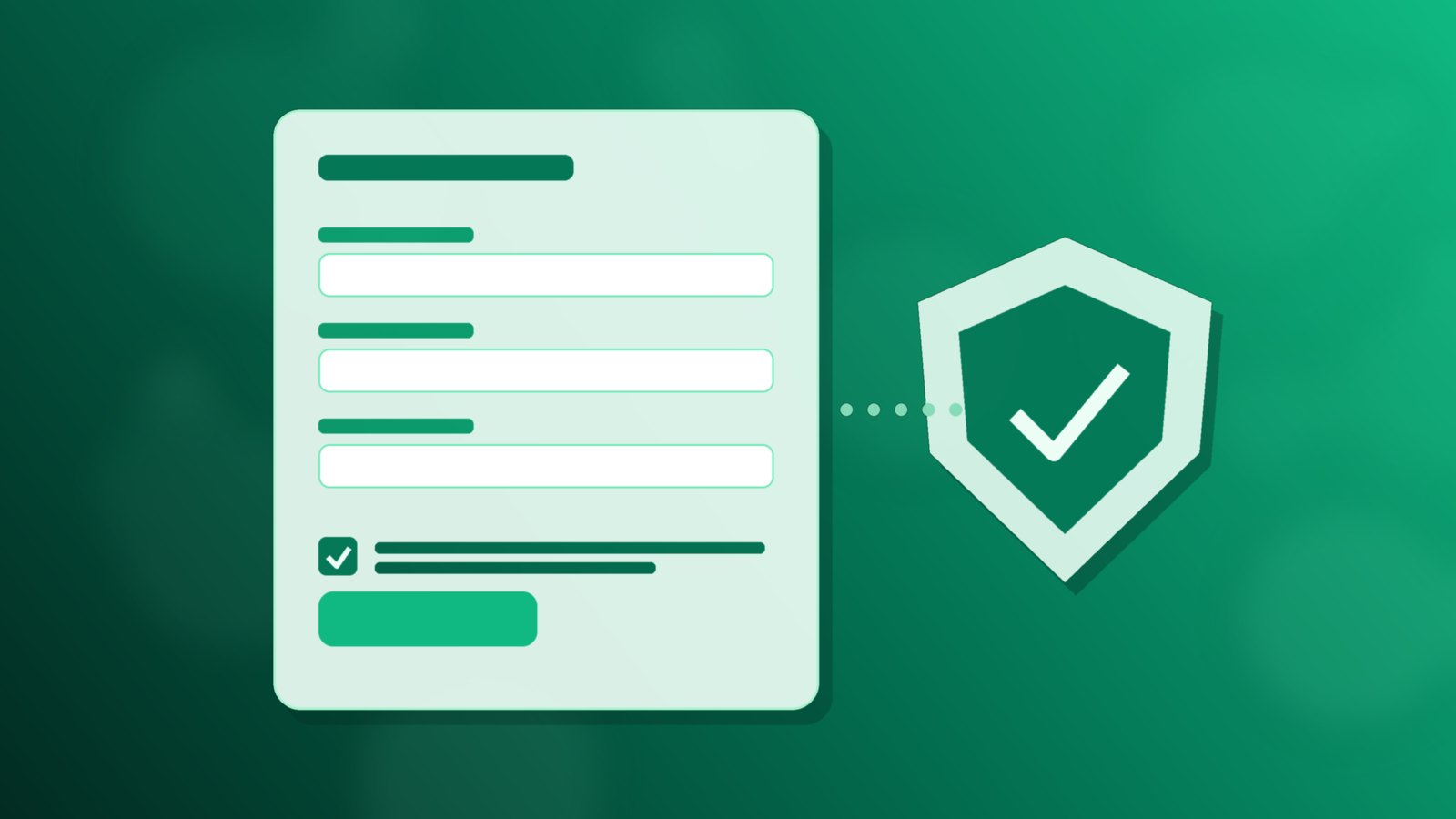
Most small business enquiry forms ask for a name, a phone number and an email address, then show a Submit button and nothing else. The person filling it in is never told why those details are wanted or what will happen to them. Under India's data protection law, that silence is now a gap worth closing.
The fix is small. A clear consent line placed just above the Submit button, written in plain words, tells the person what you will use their details for. This piece explains what the law asks for at a high level and how to word that line for an ordinary enquiry form. It is general guidance, not legal advice, so check your own wording with your adviser.
What the DPDP Act and Rules ask of a business form
According to the Press Information Bureau release of 14 November 2025, the Digital Personal Data Protection Act was enacted by Parliament on 11 August 2023, and the Government issued the DPDP Rules, 2025 alongside that release. The same release sets out the parts most relevant to an enquiry form:
- Standalone, clear and simple consent notices. Businesses handling personal data must explain the specific purpose for which it is collected and used.
- A phased timeline. The Rules give organisations an 18-month phased compliance timeline, so there is time to fix forms properly rather than in a rush.
- A contact for questions. Businesses must display clear contact details, such as those of a designated officer, so people can ask about how their data is handled.
- Rights people can use. Individuals can ask to access, correct, update or erase their personal data, and the release says such requests must be answered within a maximum of 90 days.
The Act calls the business a Data Fiduciary and the person a Data Principal. You do not need those terms on your form, but it helps to know them when you read the official text on the Ministry's website.
Why the enquiry form is the place to start
For most small businesses, the website form is the main point where a stranger hands over personal details. Calls and walk-ins matter too, but the form is written down, sits on a public page and is easy to change. Getting it right first gives you a model sentence you can reuse on other forms and in the script your team uses on the phone.
Forms also tend to grow quietly. A field for budget gets added during one campaign, a field for date of birth during another, and nobody removes them afterwards. Reviewing the consent line is a good moment to ask whether every field still earns its place.
How to word a clear consent line
A good consent line answers three questions in one or two short sentences: what you collect, why, and how the person can change their mind or ask a question. For example:
"We will use your name, phone number and email only to reply to this enquiry and share details of the service you asked about. To have your details corrected or removed, or to ask a question, write to privacy@yourbusiness.in."
Some practical points when you adapt it:
- Name the purpose, not a catch-all. "To reply to this enquiry" is specific. "For business purposes" is not.
- Keep it next to the button. A link to a long policy page in the footer is not the same as a line the person reads before they press Submit.
- Use an unticked checkbox if you want more than a reply. If you also plan to send newsletters or offers, ask for that separately and leave the box empty by default.
- Write in the language of the page. If the form is in Hindi or Punjabi, the consent line should be too.
- Give a real contact. Use an inbox someone actually reads, and name who answers it inside the business.
Collect only what you need
The release lists data minimisation and purpose limitation among the principles behind the Act. On an enquiry form, that means asking only for what you need to reply well. A name, one way to reach the person and a short message box are usually enough for a first conversation. Budget, address and other details can be asked later, when there is a reason for them.
Hidden fields deserve a look as well. If your form carries campaign details in hidden fields, as described in our guide to using UTM values and hidden fields to record enquiry source, mention in the consent line that you note how the person found you. It costs a few words and keeps the notice honest.
Agree what happens after Submit
A consent line only holds up if the team behaves the way it says. Before you publish the new wording, agree a few things inside the business:
- Who reads the privacy inbox and how often it is checked.
- How a request to correct or erase details is handled, written as a short checklist so anyone covering the role can follow it.
- Where enquiries go once submitted. If form details are copied into several inboxes and spreadsheets, a single erase request becomes hard to carry out.
That last point is where intake matters. Our piece on sending form enquiries by webhook explains how a website form can hand each enquiry to one place instead of forwarding emails around the team, and tagging every enquiry with its source covers how to label what arrives.
Where Flo fits
In Flo, each website-form enquiry runs a workflow that records the contact, so the consent line on your form sits in front of one intake point.
The wording of the consent line, what your business does with the details and how it answers requests are decisions for your team and your adviser. Having one intake point simply makes it clearer where those decisions apply.
A short checklist for this week
- Open your main enquiry form and list every field, visible and hidden.
- Remove any field you do not need to reply to a first enquiry.
- Write a one or two sentence consent line covering what you collect, why, and who to contact.
- Place it directly above the Submit button, with a separate unticked box for any marketing.
- Name the person who reads the privacy inbox and write the correct-or-erase checklist.
- Read the official PIB summary of the DPDP Rules and the full text on the Ministry's website, and check your wording with your adviser.
If you'd like a walkthrough of Flo, book a short conversation.
Running a business on WhatsApp? FLO automates the follow-up.
Book a free demo →